Continual Learning in Claude Code: Memory That Compounds
Prefer video? Watch the full tutorial with code walkthroughs.
Watch VideoTL;DR
Skills turn Claude Code sessions into persistent memory. Successes and failures get captured, progressively disclosed, and shared across teams. Your agent remembers.
| Official Sources | |
|---|---|
| Claude Code Skills | Skill architecture, SKILL.md format, and progressive disclosure |
| Claude Code Memory | CLAUDE.md, project rules, and cross-session context persistence |
| Claude Code Overview | Core agent architecture and workflow concepts |
| Anthropic Skills Repository | Official skill examples and templates |
| Claude Code Sub-Agents | Parallel task delegation and agent orchestration |
| Anthropic Pricing | Claude subscription tiers and Claude Code access |
The Problem with Manual Encoding#
Most AI agent development follows a predictable, broken cycle: write a system prompt, add rules, test, find edge cases, repeat. Every insight you gain gets manually encoded. Every failure stays trapped in your brain or your chat history.
For the next layer of context, read Claude Code Agent Teams, Subagents, and MCP: The 2026 Playbook and Why Skills Beat Prompts for Coding Agents in 2026; they show how reusable agent knowledge turns one-off wins into repeatable workflow.
The agent learns nothing. It's you doing the learning, and the model forgets everything after each session.
This is the wrong mental model.
Skills Aren't Just Commands#
Claude Code's skills solve this by turning your agent into something that remembers. But most people miss the real unlock: Claude can read and write to skills. The model doesn't just follow them - it improves them.
Skills are efficient because they use progressive disclosure. The orchestrator model only loads the skill name and description in context. Once triggered, it fetches the full definition, supporting files, scripts, and references on demand. You pay a few tokens for discoverability, then load details only when needed.
They're composable. Portable. Shareable via GitHub or plugins. But the key mechanic is readability. Unlike model weights, skills are plain text. You can edit them. You can debug them. You can see exactly what's happening.
Building the Learning Loop#
Set up a retrospective at the end of your coding session. Ask Claude to:
- Query your skill registry for relevant past experiments
- Surface known failures and working configurations
- Analyze what worked and what broke
- Update the skills that matter
You can automate this in your CLAUDE.md or trigger it manually with a slash command.
The retrospective extracts failures and successes. Both matter. Non-deterministic systems benefit from documented failures - examples of where the agent went off the rails help prevent regression. When you start a new session, the model doesn't know what it does badly. Failures in your skill documentation act as guard rails.
The Flywheel Effect#
This is where it gets interesting. Every session's reasoning compounds. You're building a flywheel where skills get progressively better, more specific, more robust as the environment changes.
Robert Nishihara, CEO of Anyscale, captured it well: "Rather than continuously updating model weights, agents interacting with the world can continuously add new skills. Compute spent on reasoning can serve dual purposes for generating new skills."
Knowledge stored outside the model's weights is interpretable. Editable. Shareable. Data-efficient. You're not retraining anything - just updating plain text documentation that the model learns to follow better each time.
From the archive
The Ralph Loop: Running Claude Code For Hours Autonomously
Dec 29, 2025 • 10 min read
The Bitter Lesson: How We Build and What We Build Is About to Change
Dec 27, 2025 • 8 min read
Magic Patterns: Why Design Wins in a World of AI Code Generators
Nov 26, 2025 • 8 min read
Zed: The Open Source Agentic IDE
Nov 25, 2025 • 8 min read
Three Ways to Deploy Skills#
Personal skills. For your day-to-day workflows. Write natural language definitions, equip them with tools, let them evolve as you use them.
Project-level skills. Embed them in your repos. When teammates clone the project, they inherit all project-specific skills automatically. No setup friction.
Shared plugins. Plugins bundle skills, MCP servers, and hooks together. Distribute them publicly or within teams. This is where skills scale.
Failure Documentation as a Feature#
Spend time building a solid system prompt, get frustrated, keep tweaking. Most teams discard this work once the session ends.
Capture it instead. When you document what the agent did wrong - specific edge cases, hallucinations, logic errors - you're building an explicit anti-pattern library. New sessions start with guardrails baked in.
This is counterintuitive for traditional software. But LLMs are non-deterministic. Documented failures reduce variance.
The Bigger Picture#
Skills are persistent team memory. They're not instructions that get loaded once and forgotten. They're living documentation that improves with every session, every failure, every success.
You can use them to improve your system prompts. You can PR your skill definitions when you discover better patterns. You can share learnings across teams without redeploying models or retraining weights.
This is the shift from "how do I get this agent to work right now" to "how do I build systems that learn."
Start with the examples in the Anthropic skills repo. There's a front-end design skill. A web app testing skill. Use them as templates. Build on top. Let Claude help you set up slash commands to trigger them.
Then set up a retrospective. Capture what works. Document what breaks. Watch your skills get smarter every session.
That's continual learning.
Frequently Asked Questions#
What is continual learning in Claude Code?#
Continual learning in Claude Code refers to the process of capturing knowledge from each coding session and persisting it across future sessions. Unlike traditional AI assistants that forget everything when a conversation ends, Claude Code can read and write to skills - plain text files that store patterns, preferences, failures, and successes. Each session's insights compound over time, making the agent more effective at your specific workflows without retraining any model weights.
How do skills enable memory in Claude Code?#
Skills are markdown files stored in ~/.claude/skills/ that Claude Code loads on demand using progressive disclosure. The model reads only the skill name and description initially (a few tokens), then fetches the full content when triggered. Because skills are plain text, Claude Code can both read existing skills and write updates to them - capturing what worked, what failed, and new patterns discovered during a session.
What is progressive disclosure in Claude Code skills?#
Progressive disclosure is the mechanism that makes skills token-efficient. The orchestrator model only loads skill names and short descriptions into context at session start. Full skill definitions, scripts, and supporting files are fetched on demand when a skill is triggered. This lets you have dozens of skills without burning through your context window on every request.
How do I set up a learning loop with Claude Code?#
At the end of your coding session, ask Claude Code to run a retrospective: query the skill registry for relevant experiments, surface known failures and working configurations, analyze what worked and what broke, and update the skills that matter. You can automate this by adding a retrospective trigger to your CLAUDE.md or creating a slash command that runs the workflow on demand.
Why should I document failures in my skills?#
LLMs are non-deterministic. Documenting failures - specific edge cases, hallucinations, and logic errors - builds an explicit anti-pattern library that new sessions start with. When you start a fresh session, the model does not inherently know what it does badly. Failure documentation acts as guardrails, reducing variance and preventing regression. This is counterintuitive for traditional software but essential for AI agents.
How do I share skills with my team?#
Skills can be deployed at three levels: personal skills in ~/.claude/skills/ for your workflows, project-level skills in .claude/skills/ inside your repos (teammates inherit them automatically on clone), and shared plugins that bundle skills, MCP servers, and hooks for distribution via GitHub or plugin registries. Project-level skills are the fastest path to team adoption with zero setup friction.
What is the difference between skills and CLAUDE.md?#
CLAUDE.md is loaded at session start and contains project-wide context, conventions, and rules that apply to every interaction. Skills are loaded on demand based on triggers and contain specialized knowledge for specific tasks. Use CLAUDE.md for things the agent should always know; use skills for domain-specific expertise that only applies in certain situations. Both can reference each other.
How do skills compare to fine-tuning?#
Skills store knowledge outside the model's weights in plain text. This makes them interpretable, editable, shareable, and data-efficient - you do not need thousands of examples or compute time to update a skill. Fine-tuning changes the model itself, requires significant data and compute, and produces a black box. Skills give you the benefits of persistent learning without any of the infrastructure overhead of model customization.
Watch the Full Video#
Duration: 8:55 | Published: 2025-12-30
Further Reading#
- Anthropic Skills Repository - Official examples and templates
- Claude Code Documentation - Full skill setup guide
- Anyscale Blog: Continual Learning in Agents - Robert Nishihara's perspective on agent memory
Continue Reading#
Read next
Self-Improving Skills: Claude Code That Learns From Every Session
Claude Code skills can now reflect on sessions, extract corrections, and update themselves with confidence levels. Your agent gets smarter every time you use it.
7 min readClaude Skills: A technical deep dive into Anthropic's new approach to AI context management
A comprehensive look at Claude Skills-modular, persistent task modules that shatter AI's memory constraints and enable progressive, composable, code-capable workflows for developers and organizations.
8 min readAI Agent Memory Patterns
Agents forget everything between sessions. Here are the patterns that fix that: CLAUDE.md persistence, RAG retrieval, context compression, and conversation summarization.
9 min readShare
Developers Digest
Technical content at the intersection of AI and development. Building with AI agents, Claude Code, and modern dev tools - then showing you exactly how it works.
300+ videos30K+ GitHub stars850+ articles
Related Tools
AI CodingDaily Driver

Claude Code
Anthropic's agentic coding CLI. Runs in your terminal, edits files autonomously, spawns sub-agents, and maintains memory...
View ToolLocal AI

MLX
Apple's array framework for machine learning on Apple Silicon. Native Metal support, unified memory, first-class LLM inf...
View ToolProductivity

Pieces for Developers
AI-powered context manager that remembers your code, snippets, links, and project context across IDEs, browsers, and ter...
View ToolAI Frameworks

Mastra
TypeScript-first AI agent framework. Agents, tools, memory, workflows, RAG, evals, tracing, MCP, and production deployme...
View ToolApps from Developers Digest
Developer ToolsPlus $20/mo
Skills Pro
Unlock pro skills and share private collections with your team.
View AppSaaS Products
DevDigest Academy
Learn AI-assisted development by building, not by watching.
View AppDeveloper ToolsIn Progress
Skill Builder
Turn a one-liner into a working Claude Code skill. From idea to installed in a minute.
View AppRelated Guides
Guide
Auto Memory - Claude Code
Automatic session-to-session memory of build commands, errors, and learnings.
Claude CodeGuide
Subagent Frontmatter - Claude Code
Configure model, tools, MCP, skills, memory, and scoping.
Claude CodeGuide
Subagent Persistent Memory - Claude Code
Auto-memory that persists across multiple subagent invocations.
Claude CodeRelated Videos
Claude Code: NEW Remote Control, Auto Memory, Plugins & More
Anthropic's Big Claude Code & Cowork Update: Remote Control, Scheduled Tasks, Plugins, Auto Memory + New Simplify/Batch Skills The script recaps a consolidated update on new Anthropic releases across
Video·
Continual Learning in Claude Code
Unlocking Continual Learning in Claude Code with Skills In this video, we delve into the concept of continual learning within Claude Code. The traditional approach to developing AI agents...
Video·
Self-Improving Skills in Claude Code
Setting Up Self-Improving Skills in Claude Code: Manual & Automatic Methods In this video, you'll learn how to set up self-improving skills within Claude Code. The tutorial addresses the key problem
Video·
Related Posts
7 min read
Claude Code
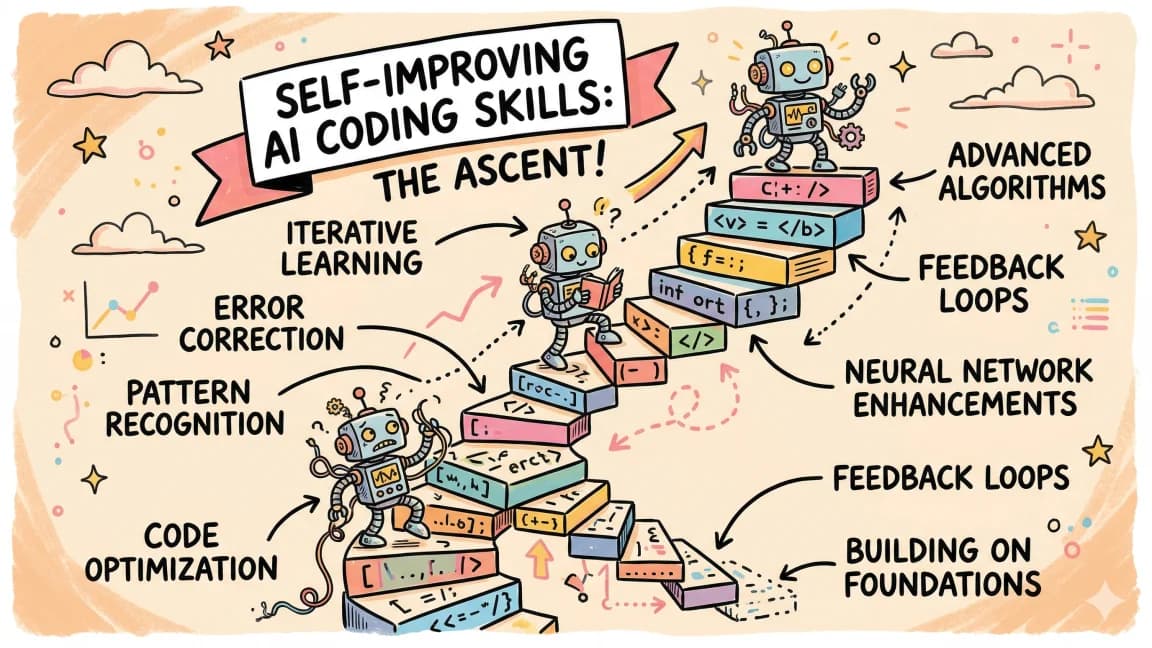
Self-Improving Skills: Claude Code That Learns From Every Session
Claude Code skills can now reflect on sessions, extract corrections, and update themselves with confidence levels. Your...
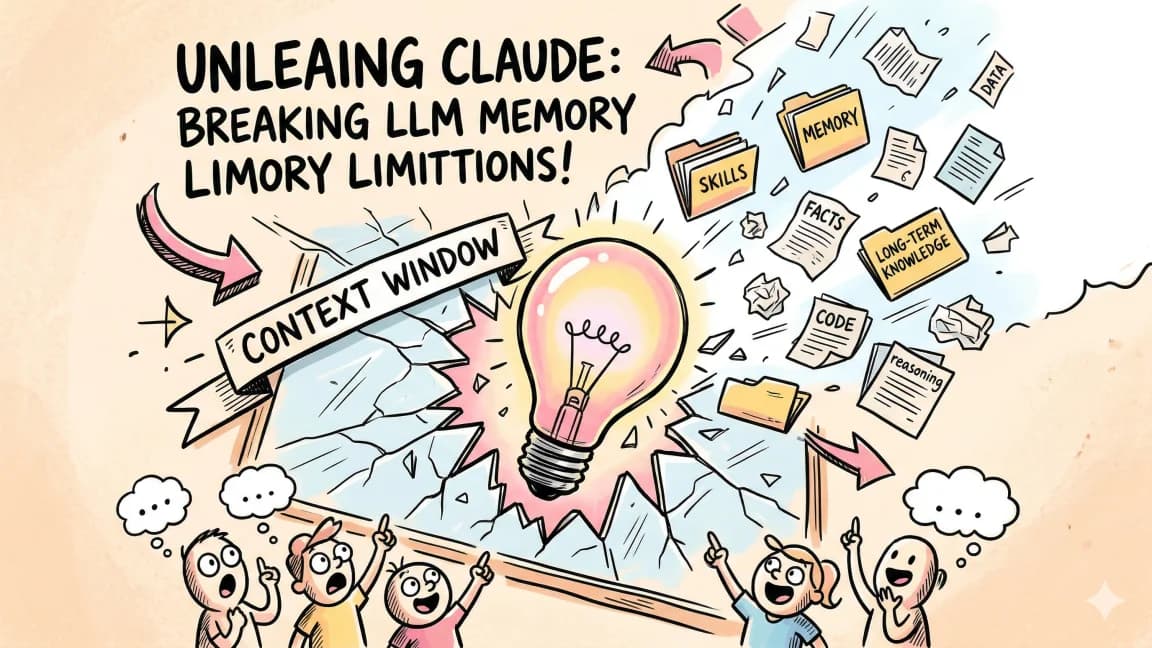
8 min read
AI
Claude Skills: A technical deep dive into Anthropic's new approach to AI context management
A comprehensive look at Claude Skills-modular, persistent task modules that shatter AI's memory constraints and enable p...
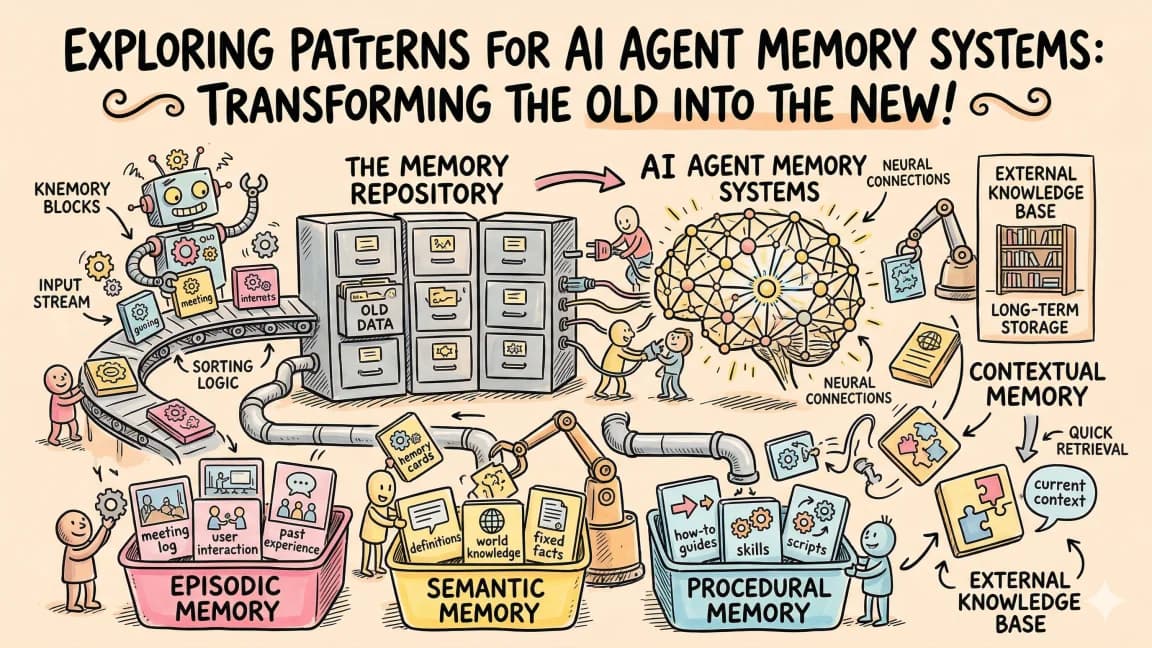
9 min read
AI Agents
AI Agent Memory Patterns
Agents forget everything between sessions. Here are the patterns that fix that: CLAUDE.md persistence, RAG retrieval, co...

11 min read
Claude Code
What Are Claude Code Skills? A Complete Beginner Guide
Skills are how you stop copy-pasting the same workflow into Claude Code every session. What they are, how to write one,...
15 min read
Claude Code
What Is Claude Code? The Complete Guide for 2026
Claude Code is Anthropic's AI coding agent for terminal, IDE, desktop, and browser workflows. Learn what it does, how it...
25 min read
Claude Code
60 Claude Code Tips and Tricks for Power Users
The definitive collection of Claude Code tips - sub-agents, hooks, worktrees, MCP, custom agents, keyboard shortcuts, an...
Build with the member tools
Get Smarter About AI Dev
New tutorials, open-source projects, and deep dives on coding agents - delivered weekly.
One email per weekReal code, not theoryFree forever