Pizza Bot Shows Why Background Agents Need Inboxes
TL;DR
AWS open-sourced Pizza Bot, a local-first inbox for long-running AI agent work. The useful lesson is not the brand. It is the queue, approval, checkpoint, and return-path pattern.
AWS open-sourced Pizza Bot last week, and the most interesting part is not that another agent app exists.
It is that the app is shaped like an inbox.
Last updated: September 16, 2026
Pizza Bot runs longer AI tasks in the background, puts finished work in an Unread queue, puts blocked work in an Action queue, and lets the user return when the task is done or needs a decision. The GitHub repo describes it as a local-first inbox for long-running AI work, built on DeepAgents and LangGraph, with Electron, browser, and CLI surfaces talking to an API server over HTTP and server-sent events.
That is a small product choice with a large category implication: background agents are not chatbots with longer timeouts. They are work queues with human checkpoints.
If you have been following long-running agents need harnesses, Codex automations, and terminal agents as runtime surfaces, this is the same convergence from a different direction. Agent products keep rediscovering the primitives of ordinary operations software: durable state, queues, approvals, logs, permissions, triggers, and receipts.
The Fresh Signal#
The Hacker News thread for Show HN: Pizza Bot was modest but relevant: 49 points and 31 comments when checked on September 16. That is not a breakout consumer signal. It is practitioner interest in a shape that developers immediately understand.
GitHub showed the repo at 240 stars and 15 forks at fetch time, with recent activity on September 15. Again, not explosive. Useful.
Google Trends was clearer about the framing than the exact product name. A US 90-day check for Pizza Bot, AI agent inbox, background agents, AI agents, and LangGraph showed almost no durable demand for the exact Pizza Bot or inbox terms. Broad AI agents was much steadier, and LangGraph had a small but visible baseline. So the right article is not "Pizza Bot is trending." It is "Pizza Bot is a clean example of a pattern developers are going to need."
That distinction matters. Writing about every new agent UI as a launch creates duplicate noise. Writing about the durable interface pattern helps readers decide what to copy.
Why Chat Breaks Down#
Chat is wonderful for quick clarification.
It is bad at unattended work.
The AWS post makes the everyday version of the problem plain: if the task is worth delegating, you should not have to watch a terminal, chat window, or browser tab scroll until the agent hits an approval step. The user should be able to ask, leave, and return to a clear status.
That is the same failure mode we see in coding-agent workflows:
- the agent finishes and nobody notices
- the agent blocks on a single permission request
- the user loses track of which run needs review
- the transcript is long but the result is not summarized
- completed work and risky pending work live in the same chat stream
- scheduled runs become invisible unless something fails loudly
An inbox solves a different problem than a chat window. It gives work a lifecycle.
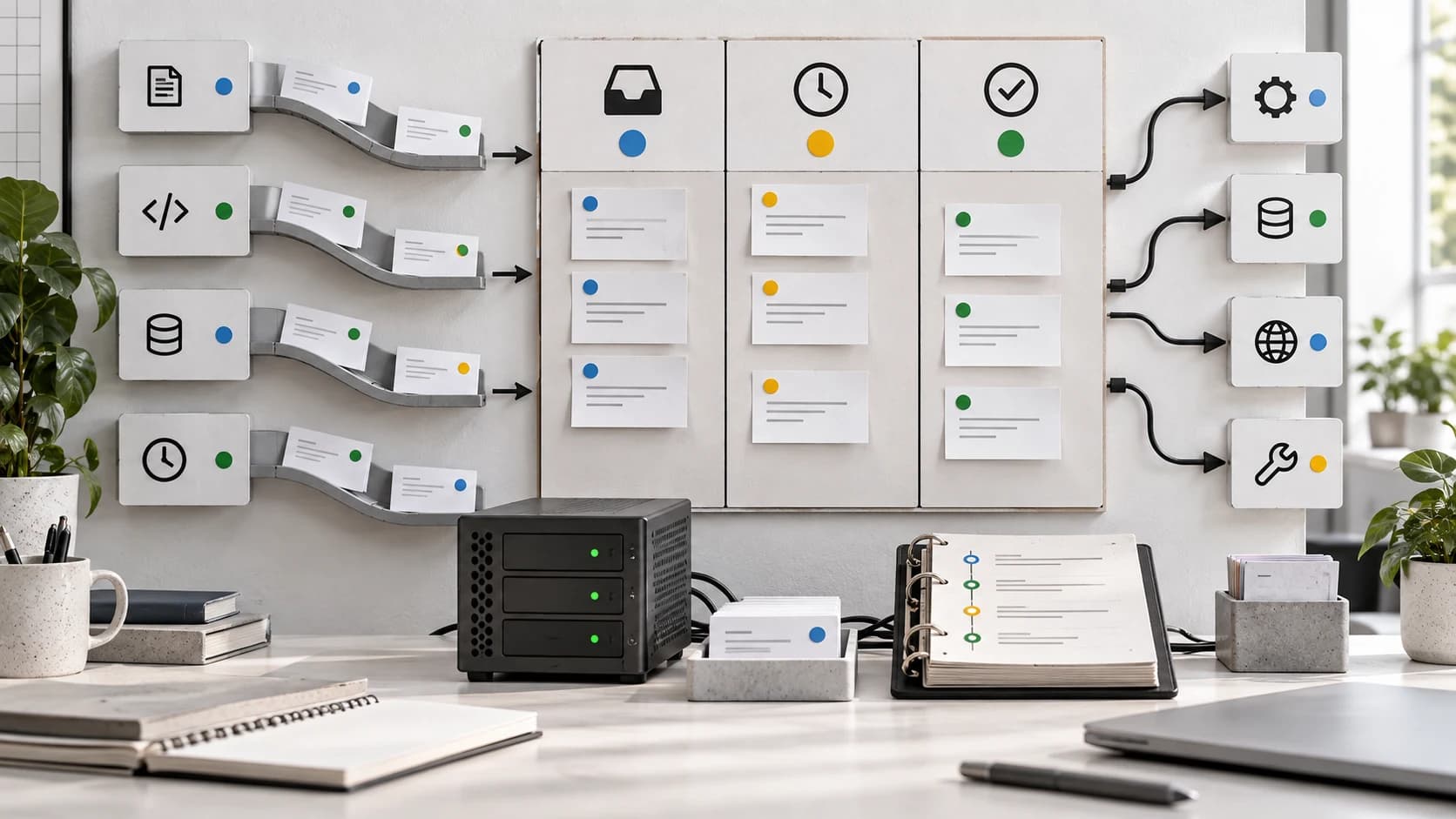
Unread means there is completed work to inspect. Action means the system needs a human decision. Archive means the work is done enough to leave the active queue. Those are boring nouns, which is exactly why they work.
The Runtime Pattern#
Pizza Bot is useful as a reference architecture because the repo names the pieces clearly.
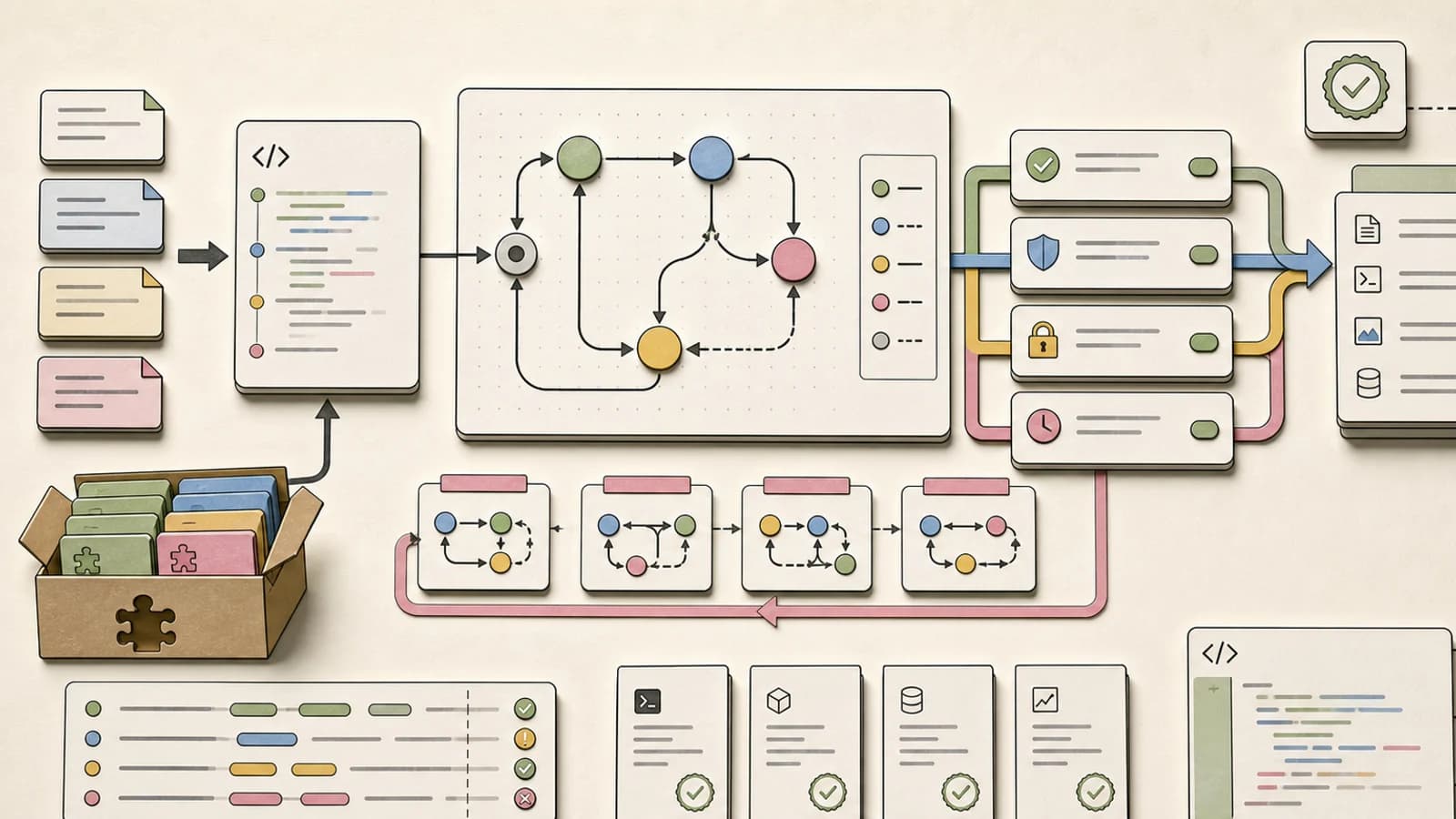
The README says the desktop app, web app, and CLI all talk to an API server. Runs can survive client disconnects. Cron or webhook triggers can start work without an open conversation. Skills become tool-scoped subagents. Local folders require explicit grants. State, checkpoints, memories, attachments, and logs live under a local data root by default.
That is the important list.
The product surface is an inbox, but the engineering pattern is a harness:
| Capability | Why it matters |
|---|---|
| Background execution | The user can leave without stopping the run |
| Durable queues | Finished and blocked work are separated |
| Human approvals | Consequential steps stop in the Action queue |
| Checkpoints | Long work can resume after disconnects |
| Skills and specialists | Delegation is visible instead of hidden in one model loop |
| Local data root | The data boundary is inspectable |
| Explicit folder grants | The agent does not get default home-directory access |
| Provider choice | Teams can route through Bedrock, Anthropic, Gemini, OpenAI, OpenRouter, or Ollama |
This is why agent workflows as code is becoming a more useful mental model than "better prompting." Once the task has lifecycle state, approvals, triggers, and artifacts, you are building an application runtime.
The Inbox Is A Control Plane#
The inbox metaphor is doing more than organizing messages.
It gives the user a control plane for asynchronous work.
That control plane needs three properties.
First, it needs status that is visible without reopening every run. Completed, waiting, failed, and active are different states. They should not be inferred from the last paragraph in a transcript.
Second, it needs interruption without babysitting. A good background agent pauses when the next step is consequential, explains the decision, and resumes when approved. A bad one either asks constantly or takes unsafe action because asking is inconvenient.
Third, it needs receipts. Finished work should carry enough evidence to review quickly: what sources were read, what tools ran, what changed, what remains uncertain, and where the user can inspect the artifacts.
That is why this pattern pairs naturally with Claude Managed Agents as backend jobs. Hosted sessions, webhooks, budgets, outcomes, and permission policies are backend-job primitives. An inbox is the human-facing side of the same system.
What To Copy#
If you are building internal agent tooling, you do not need to copy Pizza Bot's UI.
Copy the states.
Start with four queues:
active      work currently running
action      work blocked on a human decision
unread      work completed since the user last checked
archived    work reviewed or intentionally dismissed
Then make every run produce a compact receipt:
goal
inputs inspected
tools used
decisions made
artifacts produced
verification performed
remaining risks
next action needed
For coding agents, connect those receipts to the real development system: branch, commit, pull request, test output, deployment URL, logs, screenshots, and changed files. For knowledge-work agents, connect them to source documents, drafts, approval records, and outbound actions.
The inbox should not be a decorative shell around chat. It should be the object model for the work.
What Not To Overclaim#
There are two easy traps here.
The first is pretending every agent task should become background work. Some tasks are better as live collaboration. If the problem is still ambiguous, the agent should stay conversational until the goal and evidence boundary are clear.
The second is treating a local-first app as automatically safe. Pizza Bot's README is careful about this. MCP servers and plugins are trusted code. Local folder access must be granted deliberately. Model and tool requests still go to whichever providers and endpoints the user configures. Local data helps, but it does not remove the need for permission design.
That is the same security lesson as the agent security checklist before connecting tools. The moment an agent can read files, call tools, or act on external systems, the interface needs to separate safe background work from consequential action.
The Developer Takeaway#
The next useful agent UI is probably less like a chatbot and more like a team inbox.
That sounds less magical. Good.
Magic is a terrible operational abstraction.
The durable pattern is simple: give every delegated task a state, a queue, a receipt, and a way back to the human only when the human is actually needed. Pizza Bot is a useful reference because it makes that shape concrete, local-first, open source, and inspectable.
The model can still be the impressive part. But the inbox is what makes the work livable.
Continue Reading#
- Long-Running Agents Need Harnesses, Not Hope - the reliability layer behind async agent work.
- Codex Automations: Where Scheduled AI Agents Actually Help - how recurring agent work should be scoped and reviewed.
- Terminal Agents Are the New Developer Runtime - why permissions, logs, receipts, and sandboxing are now product features.
- Agent Workflows as Code: Why State Machines Beat Prompt Checklists - the state-machine version of the same argument.
- Claude Managed Agents Are Starting to Look Like Backend Jobs - hosted sessions, outcomes, webhooks, and runtime permissions.
Sources#
- AWS Open Source Blog: Introducing Pizza Bot - official September 10, 2026 announcement and product framing, fetched September 16, 2026.
- pizza-bot-app/pizza-bot GitHub repo - README, architecture notes, security model, provider support, and repo velocity, fetched September 16, 2026.
- Hacker News: Show HN: Pizza Bot - community discussion and point/comment count, fetched September 16, 2026.
- Google Trends US 90-day cluster, checked September 16, 2026:
Pizza Bot,AI agent inbox,background agents,AI agents,LangGraph. - Hugging Face July 2026 monthly papers - checked as part of the daily topic screen; recent agent-paper lanes were already covered or better suited to existing canonical posts.
FAQ#
What is Pizza Bot?#
Pizza Bot is an open source, local-first inbox for long-running AI agent work. It runs tasks in the background, separates completed work from approval requests, and supports providers such as Bedrock, Anthropic, Gemini, OpenAI, OpenRouter, and Ollama.
Why do background agents need an inbox?#
Background agents need an inbox because asynchronous work has lifecycle states. Finished work, blocked work, failed work, and active work should be visible without making the user inspect every transcript.
Is Pizza Bot only for coding agents?#
No. Pizza Bot is aimed at broader knowledge work, but the same pattern applies to coding agents: work should run in a scoped environment, pause for risky steps, leave receipts, and return to the user when review is needed.
Is local-first agent software automatically safe?#
No. Local-first storage helps with data control, but safety still depends on permissions, provider routing, tool trust, folder grants, plugin behavior, logs, and approval gates.
Get the next deep dive like this in your inbox
One email a week on AI Agents and the rest of the AI dev stack. Free.
Read next on AI coding tools
Long-Running Agents Need Harnesses, Not Hope
A long-running coding agent is only useful if the environment around it can queue tasks, capture logs, checkpoint state, verify behavior, limit cost, and recover from failure.
9 min readCodex Automations: Where Scheduled AI Agents Actually Help
Codex automations are useful when recurring engineering work has clear inputs, reviewable outputs, and safe boundaries. Here is the practical playbook.
9 min readTerminal Agents Are the New Developer Runtime
Terminal agents like Claude Code, Codex CLI, OpenCode, Copilot CLI, and DeepSeek-TUI are converging on the same runtime layer: permissions, sandboxing, rollback, diagnostics, subagents, receipts, and cost controls.
9 min readNew here? Start with
Technical content at the intersection of AI and development. Building with AI agents, Claude Code, and modern dev tools - then showing you exactly how it works.