Promptlock: Deterministic Prompt Versioning for LLM Apps

AI Tools Deep Dive
20 parts- 1Claude Design: Anthropic's Bet That Designers and Developers Want the Same Tool
- 2The 10 Best AI Coding Tools in 2026
- 3Cursor: The AI-Powered Code Editor That Changed How Developers Work
- 4OpenAI Codex: Terminal and Cloud AI Coding Agent
- 5Gemini CLI Guide: 1M Token Context and Who Can Still Use It
- 6Kimi K2: Fast, Cheap, and Efficient Coding
- 7GitHub Copilot in 2026: Still Worth It for TypeScript Developers?
- 8Aider vs Claude Code: Open Source vs Commercial AI Coding CLI
- 9Aider vs Claude Code in 2026: Git-First Open Source vs Subagent Runtime
- 10Every AI Coding Tool Compared: The 2026 Matrix
- 11Qwen3.6-27B Is the Local Coding Model to Test First
- 12Zed Just Made Parallel AI Agents a Native Editor Primitive
- 13Warp Open Sourced the Terminal. The Real Story Is Agent Operations
- 14AI Design Slop: 16 Patterns That Mark a Site as Vibe-Coded
- 15The Claude Design Moment: AI Design Skills Just Got Their Breakout Week
- 16Codeburn: The First TUI That Actually Shows Where Your Claude Max Subscription Is Going
- 17Promptlock: Deterministic Prompt Versioning for LLM AppsCurrent
- 18Agent Replays with TraceTrail: Loom for Agent Runs
- 19Hookyard Shows Why Claude Code Hooks Need a Package Manager
- 20MCP Lens: Wireshark for Model Context Protocol Servers
TL;DR
Promptlock gives every prompt a 12-char content-addressable id and a diff-able artifact, turning silent prompt drift into a reviewable change.
The bug you cannot see#
Your eval scores dropped four points overnight. Nothing in git log looks suspicious. The model is the same. Temperature is the same. The retrieval pipeline did not change. Two hours into the investigation you discover that someone tightened the system prompt last Tuesday, replacing "Answer in a friendly tone" with "Answer concisely." The new wording is shorter. It is also worse.
This is prompt drift, and it is the most common silent regression in production LLM apps. Prompts are production code that nobody versions like code. They live in raw markdown files, untyped string constants, and the occasional Notion doc. There is no commit hash you can attach to a response. No diff you can show in code review. No way to say "this output came from prompt 7f3c1a9b8d22" and have anyone know what that means.
Promptlock is a small tool that fixes step one of that pipeline. Think of it as git for prompts, but actually deterministic. Every prompt template gets a stable 12-character id derived from a hash of the template, the variable schema, the model, and the temperature. You commit the resulting artifacts. You diff them. When something regresses, you have something concrete to point at.
What Promptlock actually does#
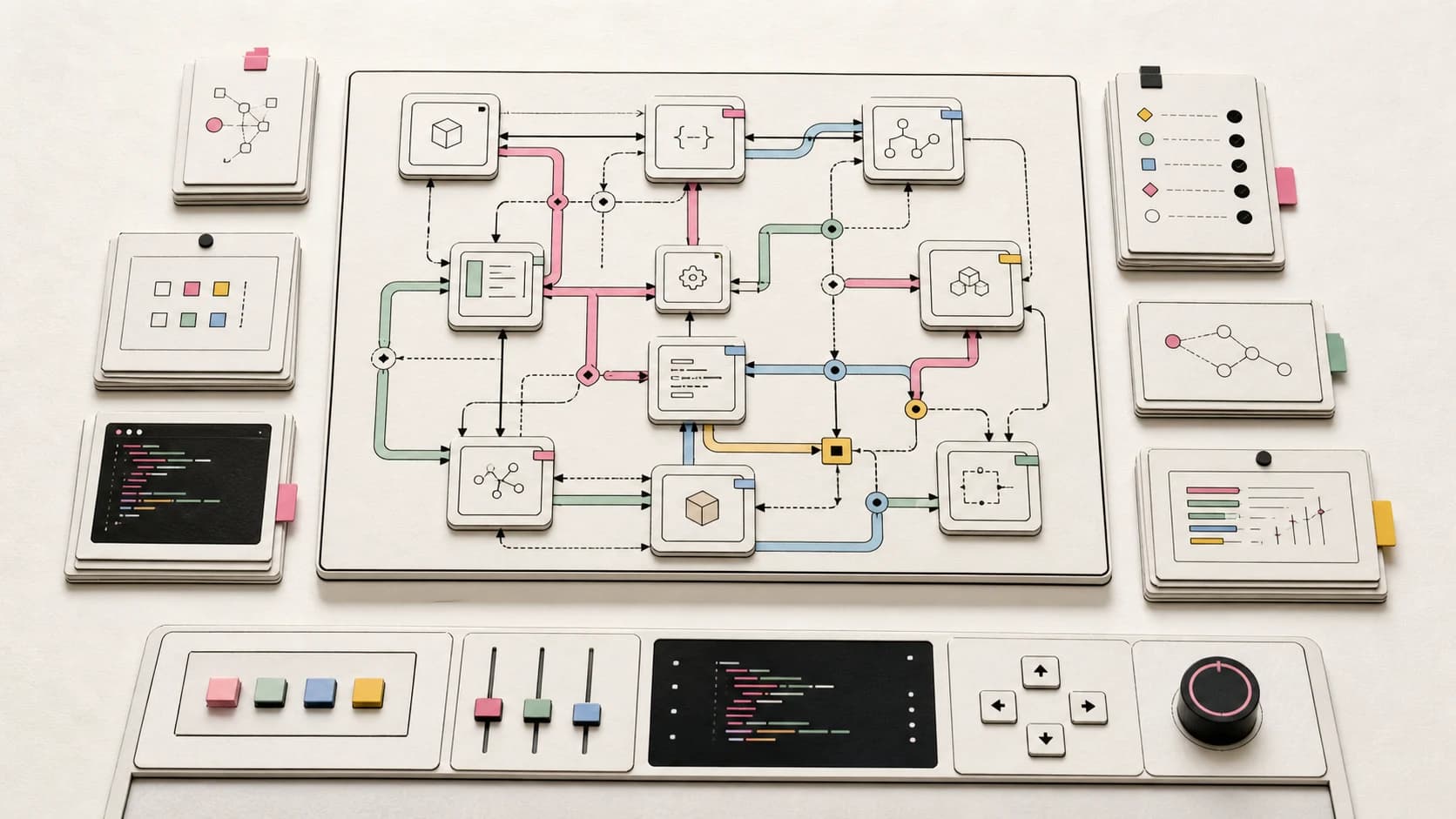
The core idea is content addressing. Given a tuple of (template, variable schema, model, temperature), Promptlock computes a sha256 and truncates it to 12 chars. Same inputs always produce the same id. Different inputs always produce a different id. There is no central registry, no cloud service, and no API key. Versions live as JSON files under .promptlock/ in your repo, next to the code that uses them.
The hash is intentional about what it covers. Variable values do not affect the id, only the variable schema does. That means swapping language: "english" for language: "spanish" keeps the id stable, but adding a new variable changes it. The model and temperature are part of the identity because the same template at temperature 0.2 is, in practice, a different prompt than the same template at temperature 0.8.
Install and first run#
npm install @developersdigest/promptlock
# or run the CLI directly
npx @developersdigest/promptlock --help
Register a prompt template:
echo "You are a helpful assistant. Answer in {{language}}." > prompt.md

promptlock add prompt.md \
  --model claude-opus-4-7 \
  --temperature 0.2 \
  --vars '{"language":"english"}' \
  --note "v1 baseline"
# -> 7f3c1a9b8d22  claude-opus-4-7  temp=0.2  v1 baseline
A new file appears at .promptlock/7f3c1a9b8d22.json. That is the artifact. It contains the template, the variable schema, the model, the temperature, the note, and a timestamp. Commit it.
Now edit the prompt and register again:
echo "You are a concise assistant. Answer in {{language}}." > prompt.md

promptlock add prompt.md \
  --model claude-opus-4-7 \
  --temperature 0.2 \
  --vars '{"language":"english"}' \
  --note "concise"
You get a new id. Both versions are now in .promptlock/. List them:
promptlock list
# 7f3c1a9b8d22  claude-opus-4-7  temp=0.2  v1 baseline
# a18b2c4e9011  claude-opus-4-7  temp=0.2  concise
And diff them:
promptlock diff 7f3c1a9b8d22 a18b2c4e9011
The output is a unified diff over the template plus the metadata. If a code review surfaced the second version, the diff is what a teammate would actually read. No "what changed in the prompt" guessing.
If you only want the id without writing anything, use promptlock id prompt.md --model claude-opus-4-7 --temperature 0.2 --vars '{"language":"english"}'. This is useful in CI checks that want to verify a deployed prompt matches a known good version.
The SDK: wrap your LLM calls#
The CLI is fine for ad hoc work, but the real value lands when you wire Promptlock into the code that calls your model. Here is a minimal example wrapping a Claude API call:
import Anthropic from "@anthropic-ai/sdk";
import { register } from "@developersdigest/promptlock";

const client = new Anthropic();

const template = "You are a helpful assistant. Answer in {{language}}.";
const vars = { language: "english" };
const model = "claude-opus-4-7";
const temperature = 0.2;

const version = await register({ template, vars, model, temperature });

const rendered = template.replace("{{language}}", vars.language);

const res = await client.messages.create({
  model,
  max_tokens: 1024,
  temperature,
  messages: [{ role: "user", content: rendered }],
});

logToObservability({
  promptId: version.id,
  response: res.content,
  latencyMs: res.usage,
});
The important line is version.id. Once that id flows into your logs, every response in your observability stack is tied to a specific, diff-able prompt artifact. When the eval score drops next Tuesday, you filter by id, see which prompt version produced the bad outputs, and run promptlock diff against the previous good version. The investigation goes from two hours to two minutes.
If you only need the id and do not want to write a file every call (which you usually do not, in a hot path), use getId instead:
import { getId } from "@developersdigest/promptlock";

const promptId = getId({ template, vars, model, temperature });
// pure function, no I/O, safe to call on every request
The full SDK surface is small on purpose:
register({ template, vars?, model?, temperature? }, { note?, dir? })
getId({ template, vars?, model?, temperature? })
readVersion(id, { dir? })
listVersions({ dir? })
diffVersions(a, b)
Five functions. No hidden state. No daemon. The dir option lets you point at a different artifact directory if you want per-environment storage, but the default .promptlock/ is what most projects should ship with.
A pattern that works#
The workflow we have settled on for our own apps looks like this:
- Treat every prompt template as a file, even one-liners. Read it with
fsrather than embedding it as a string literal. - Call
getIdnext to the LLM call. Pass the id into logs. - Run
promptlock addwhenever you intentionally change a prompt. Commit.promptlock/. - Add a CI check that diffs the registered ids against the ones the code computes. If they do not match, a prompt changed without a corresponding artifact, and the build fails.
That last step is the one that turns Promptlock from a logging convenience into a real guardrail. Without it, prompts can still drift silently. With it, a prompt change is no longer reviewable in passing. It shows up as a new file in the PR, with a diff a reviewer can read.
What Promptlock isn't#
It is worth being direct about scope, because the LLM tooling space is full of products that promise a lot and deliver a dashboard.
Promptlock v0.1 is local-only. There is no cloud sync, no shared registry, no team dashboard. If you want a hosted prompt registry across multiple repos, this is not it yet.
It does not run evals. It records the prompt that produced an output, but it does not score the output. You bring your own eval harness. The roadmap includes pluggable eval-on-change, but that is not in this release.
It does not post PR comments. There is no GitHub App today. We use it ourselves and run the diff manually in code review. A GitHub App that watches prompts/**, **/SKILL.md, and CLAUDE.md files and comments diffs on PRs is the next thing on the roadmap, but not shipped.
It does not template variables for you. Promptlock hashes the variable schema but does not render. Use whatever templating you already have, whether that is plain String.replace, mustache, or Handlebars.
The point of v0.1 is to nail the primitive: a deterministic, content-addressable id and a diff-able artifact. Everything else is layered on top.
Why this is the right shape#
Versioning prompts gets debated in two camps. One camp wants a full prompt management platform with web UI, branches, A/B tests, and a hosted runtime. The other camp says "just put the prompt in git." Both are partially right.
Putting the prompt in git is necessary but not sufficient. A whitespace change in a system prompt is technically committed, but the diff buries it inside an unrelated change to a template literal. Reviewers miss it. A platform fixes that, but at the cost of pulling production-critical state out of your repo and into a vendor.
Promptlock takes the middle path. The artifact lives in your repo, next to the code, in a format git already knows how to diff. The id is deterministic, so anyone with the same template can verify the version locally. The tool is a CLI plus five functions, so you can rip it out in an afternoon if it stops being useful.
If you have written about DESIGN.md as the design system file agents actually read, this is the same idea applied to prompts. Production-critical context belongs in the repo, in a format that is both human-readable and machine-checkable. Drift becomes a reviewable change instead of a silent regression.
Try it#
npx @developersdigest/promptlock add prompt.md \
  --model claude-opus-4-7 --temperature 0.2 \
  --vars '{}' --note "first registration"
That single command writes one JSON file. Commit it, and your prompts have an audit trail for the first time. From there, wire the SDK into your call sites and add the CI check.
If you want to see how Promptlock fits next to the rest of the LLM tooling stack, the AI coding tools comparison matrix and the tool comparison hub are good next reads.
The repo is private during the v0.1 polish window. Public release will follow once the GitHub App and eval-on-change pieces land. Until then, this post is the spec.
FAQ#
Does Promptlock render or template my prompts?#
No. Promptlock hashes the template and variable schema to generate a deterministic id, but it does not render variables into the template. Use whatever templating you already have, whether that's plain string replacement, Handlebars, or mustache.
Does changing a variable value change the prompt id?#
No. The id is derived from the template, the variable schema, the model, and the temperature, not the variable values themselves. Swapping language: "english" for language: "spanish" keeps the id stable; adding a new variable to the schema changes it.
Is Promptlock a hosted service?#
No. Version 0.1 is local-only: artifacts are JSON files under .promptlock/ in your repo, with no cloud sync, shared registry, or team dashboard. A GitHub App and eval-on-change are on the roadmap but not shipped yet.
Does Promptlock run evals on my prompts?#
No. It records which prompt produced an output so you can diff versions when something regresses, but it does not score outputs. You bring your own eval harness alongside it.
Get the next deep dive like this in your inbox
One email a week on AI Coding and the rest of the AI dev stack. Free.
Read next on Claude Code
DESIGN.md: The Contract That Keeps AI Agents On Brand
A repo-root DESIGN.md gives Claude Code, Codex, and other agents the design rules they need to honor so generated UI does not drift into generic territory.
9 min readEvery AI Coding Tool Compared: The 2026 Matrix
15 AI coding tools across 4 architecture types, compared on pricing, model surface, strengths, weaknesses, and best use cases. The definitive comparison matrix for 2026.
18 min readThe 10 Best AI Coding Tools in 2026
From terminal agents to cloud IDEs - these are the AI coding tools worth using for TypeScript development in 2026.
8 min readTechnical content at the intersection of AI and development. Building with AI agents, Claude Code, and modern dev tools - then showing you exactly how it works.