Why Claude Code Won: Unix Philosophy Meets AI Agents
TL;DR
Claude Code's popularity is not an accident. It won because terminal agents fit how software already works: files, shell commands, git, logs, project memory, and reviewable text.
The AI coding tool space is crowded. Cursor. VS Code with extensions. GitHub Copilot. Codeium. Yet Claude Code, a year-old side project that runs on bash and grep, has become the fastest-growing platform for agentic development. This isn't luck. It's architecture. If you want the neutral primer first, read what Claude Code is or the newer 2026 Claude Code guide.
Claude Code became popular because it did not try to make software development feel like a new app category.
It made AI coding feel like software development.
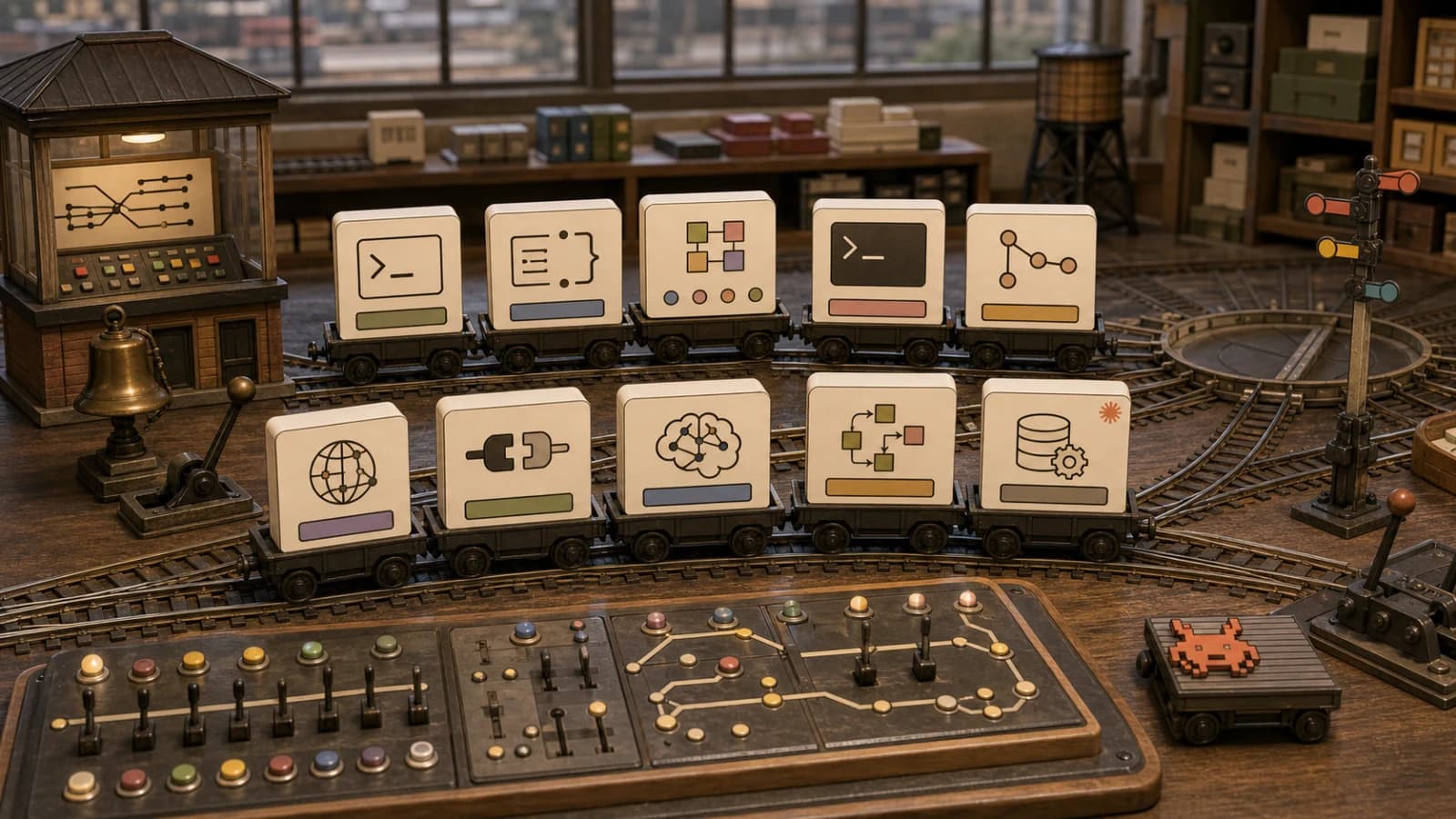
The interface is a terminal. The state is files. The project memory is markdown. The execution layer is shell commands. The review layer is git. The extension surface is skills, hooks, subagents, MCP servers, and settings that live close to the repo. That is not flashy. It is why the tool works.
Last updated: June 24, 2026
If you need the neutral primer first, start with what Claude Code is or the newer complete 2026 Claude Code guide. This article is the architecture argument: Claude Code won mindshare because it treats the terminal as the agent runtime, not as a nostalgic UI.
The Terminal Was Already An Agent Interface#
Before AI coding tools, the terminal already had the properties agents need.
- It can read and write any file the user can access.
- It can run tests, linters, formatters, package managers, and deployment commands.
- It produces text logs that can be summarized and retried.
- It composes small tools through pipes, files, and exit codes.
- It works across frameworks, languages, and editors.
That matters because a coding agent is not just a code generator. It is an operator in a workspace. It needs to inspect state, take actions, observe results, and adjust.
Claude Code's official docs position it as an agentic coding tool that works from the command line and can understand a codebase, edit files, run commands, and help with workflows around git and tests. That product surface maps cleanly to what developers already do all day.
This is the same reason terminal agents are becoming portable runtime surfaces. The useful unit is no longer only the chat prompt. It is the workspace loop: prompt, inspect, edit, run, verify, commit, repeat.
Files Beat Hidden State#
Claude Code's most important design choice is boring: it uses text files as a coordination layer.
CLAUDE.md gives projects a durable place to put architecture notes, commands, conventions, and review rules. Skills are markdown-based procedures that can be loaded when needed. Hooks are configured automation points. Settings live in files. Subagents have descriptions and scoped responsibilities.
That makes the system legible.
A human can review the instruction surface. Another agent can edit it. A teammate can commit it. CI can diff it. Security reviewers can ask whether a repo-local rule should be trusted. None of that works as well when behavior is trapped inside a proprietary prompt database.
For the practical version of this idea, read what Claude Code skills are, why skills beat prompts, and agent workspace contracts. The common thread is simple: durable agent behavior should be reviewable artifact, not session magic.
Unix Philosophy Fits Agent Work#
The Unix philosophy is usually summarized as small tools that do one thing well and compose through text.
That maps almost perfectly to coding agents.
Agents are good at choosing tools when the tools have narrow jobs and observable outputs. rg finds text. pnpm test proves behavior. git diff shows changes. sed, jq, node, and shell scripts give the model explicit handles instead of vague UI state.
This does not mean every agent system should avoid databases, indexes, or richer UI. It means the default control plane should stay simple until the complexity pays rent.
That is where many AI coding tools went sideways. They led with custom panes, proprietary context layers, and clever abstractions. Claude Code led with a loop every developer already trusts: inspect files, edit files, run commands, read output.
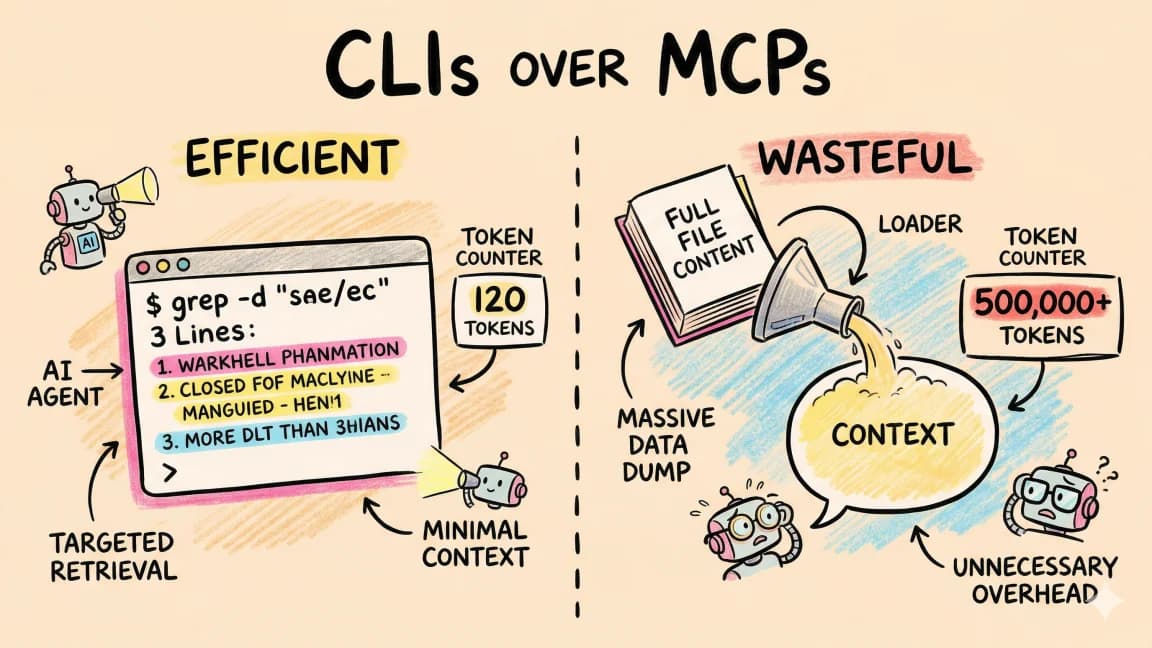
Token Efficiency. An agent searching a folder with grep costs fewer tokens than retrieving from a vector database. Models are trained on bash. They know grep. No embeddings, no distance calculations, no schema alignment.
It Is Not Just A CLI Anymore#
The old version of this argument was "Claude Code is popular because it is bash and grep." That is still partly true, but it is incomplete in 2026.
Claude Code is now a runtime surface around the terminal.
The docs cover memory, skills, hooks, subagents, MCP, IDE integrations, settings, and CLI reference. Anthropic also published work on enabling Claude Code to operate more autonomously, which signals the same direction: less one-shot chat, more long-running work wrapped in controls.
That is why the best comparison is not only "Claude Code vs Cursor." It is terminal runtime vs editor runtime vs cloud-agent runtime. Claude Code vs Cursor vs Codex is the practical decision article; this post explains why the terminal runtime became so compelling.
The Human Interface Still Matters#
IDEs are not obsolete. Cursor, VS Code, and GitHub Copilot are strong because visual review, inline editing, symbol navigation, and debugging are still useful human workflows.
The difference is job separation.
Use the terminal agent for work that benefits from broad workspace access: refactors, test repair, dependency updates, repo audits, automation, migrations, and multi-step tasks. Use the IDE for review, navigation, visual polish, and small direct edits.
That split is why the new AI coding stack is layered instead of tool-monogamous. Claude Code does not need to replace every interface. It needs to own the operational loop where agents have the most leverage.
The Real Moat Is Workflow Memory#
Model quality changes. Pricing changes. Context windows expand. IDE features copy each other.
Workflow memory compounds.
Every useful CLAUDE.md rule, skill, hook, subagent description, test command, and review checklist makes future sessions better. Those artifacts survive model changes because they are not only prompts. They are project-specific process encoded as files.
That is the durable part.
When teams say Claude Code "understands the repo," part of what they mean is that the repo now teaches Claude Code how to work. The model brings general capability. The repository brings local policy.
This is also why continual learning in Claude Code and self-improving skills matter. The best teams are not just writing better prompts. They are harvesting repeated corrections into reusable workflow artifacts.
The Security Tradeoff#
Terminal agents are powerful because they sit close to real tools. That is also the risk.
Claude Code's docs include security guidance, settings, hooks, and permissions because a local agent can touch meaningful state. Repo instruction files can also become part of the trust boundary. The same artifact that teaches an agent your workflow can be abused if it is changed by an attacker or copied from an untrusted repo.
This is the tradeoff behind prompt injection in open source repos, Claude Code permissions settings, and permissions, logs, and rollback for coding agents. Claude Code's architecture is strong because it exposes the control plane. Teams still need to review that control plane.
Why The Lindy Argument Still Holds#
The original thesis of this post was that Claude Code benefits from the Lindy effect: Unix tools have survived for decades, so building on them is less fragile than inventing a new developer substrate.
That argument still holds, but the better version is narrower.
The point is not that bash is magically better than every abstraction. The point is that software teams already have battle-tested tools for files, commands, diffs, logs, and review. Claude Code became popular by letting the model operate through those tools instead of hiding them.
When everything else in AI changes monthly, the boring parts are leverage. Files still work. Git still works. Exit codes still work. Markdown still works. A terminal transcript is still inspectable evidence.
That is why Claude Code won mindshare: it made AI coding feel less like a chatbot and more like a new worker inside the existing software factory.
The Takeaway#
Claude Code is popular because its architecture matches the job.
Coding agents need broad workspace access, repeatable commands, durable memory, observable logs, reviewable diffs, and composable tools. The terminal already had most of that. Claude Code wrapped it with model intelligence, project memory, skills, hooks, subagents, MCP, and enough policy controls to make serious work possible.
That is the lesson for every AI developer tool builder: do not start by inventing a new universe. Start with the primitives developers already trust, then make the agent better at using them.
Frequently Asked Questions#
Why is Claude Code so popular?#
Claude Code is popular because it fits the way software teams already work. It uses the terminal, files, shell commands, git, markdown memory, and reviewable configuration instead of forcing developers into a new app model.
Is Claude Code better than Cursor?#
It depends on the job. Claude Code is stronger for terminal-native, multi-step workspace tasks like refactors, test repair, migrations, and automation. Cursor is stronger for editor-native review, inline edits, visual navigation, and UI polish. Many advanced workflows use both.
Why does Claude Code use CLAUDE.md?#
CLAUDE.md gives the agent durable project memory: architecture notes, commands, conventions, and rules that apply across sessions. Because it is a text file, humans can review it, commit it, and improve it over time.
What makes Claude Code skills different from prompts?#
Skills are reusable markdown procedures with focused triggers and supporting files. A prompt is usually one-off session text. Skills turn repeated workflow knowledge into a versioned artifact that can be shared, reviewed, and improved.
Is a terminal agent safe?#
It can be, but only with controls. Teams should use scoped permissions, careful settings, reviewed repo instruction files, logs, approvals for risky commands, and rollback paths. Terminal access is powerful, so the review layer matters.
Does Claude Code replace IDEs?#
No. Claude Code is best understood as the implementation and automation layer. IDEs remain useful for review, visual navigation, debugging, and precise manual edits. The strongest workflow separates those jobs instead of forcing one tool to do everything.
Sources#
- Claude Code overview
- Claude Code memory
- Claude Code skills
- Claude Code hooks
- Claude Code subagents
- Claude Code MCP
- Claude Code settings
- Claude Code CLI reference
- Anthropic Claude Code GitHub repository
- Anthropic skills repository
- Anthropic: enabling Claude Code to work more autonomously
- GitHub Docs: Anthropic Claude agents
Watch The Video#
Get the next deep dive like this in your inbox
One email a week on Claude Code and the rest of the AI dev stack. Free.
Read next on Claude Code
What Is Claude Code? The Complete Guide for 2026
Claude Code is Anthropic's AI coding agent for terminal, IDE, desktop, and browser workflows. Learn what it does, how it works, pricing, setup, MCP, skills, hooks, and subagents.
15 min read60 Claude Code Tips and Tricks for Power Users
The definitive collection of Claude Code tips - sub-agents, hooks, worktrees, MCP, custom agents, keyboard shortcuts, and dozens of hidden features most developers never discover.
25 min readCLIs Over MCPs: Why the Best AI Agent Tools Already Exist
OpenClaw has 247K stars and zero MCPs. The best tools for AI agents aren't new protocols - they're the CLIs developers have used for decades.
8 min readTechnical content at the intersection of AI and development. Building with AI agents, Claude Code, and modern dev tools - then showing you exactly how it works.