Ghostty
Terminal emulator built in Zig with platform-native UI and GPU acceleration. 2ms key-to-screen latency. Metal on macOS, Vulkan/OpenGL on Linux. By the co-founder of HashiCorp.
Ghostty is a terminal emulator built from scratch in Zig by Mitchell Hashimoto (co-founder of HashiCorp). It uses a custom GPU rendering pipeline targeting Metal on macOS and OpenGL 3.3/Vulkan on Linux, delivering 2ms key-to-screen latency at the threshold of human perception. The macOS app is a true SwiftUI application with real windowing, menu bars, and a settings GUI rather than a web-wrapped Electron shell. It outperforms every competitor in raw rendering benchmarks while looking and feeling completely native on each platform. There are no AI features built in, which is the point: Ghostty is for developers who want the fastest, most reliable terminal possible and run their AI tools (Claude Code, Codex CLI, etc.) inside it. For anyone frustrated with Electron-based terminals, Ghostty is the performance ceiling.
Similar Tools
Warp
AI-powered terminal built in Rust with GPU rendering. Block-based output, natural language commands, Agent Mode for autonomous tasks. 700K+ developers. Free tier available.
Amazon Q Developer CLI
AI-powered terminal assistant from AWS. Natural language chat, command autocompletion, code generation. Agentic mode reads files, runs commands, and calls AWS APIs. Free tier.
Obsidian
Local-first markdown knowledge base with wikilinks. My entire DevDigest pipeline lives here - research, scripts, content calendar, daily journal.
Linear
Issue tracking built for speed. Keyboard-first, sub-100ms UI. Cycles, roadmaps, GitHub integration. I use it to track all DevDigest engineering work.
Get started with Ghostty
Terminal emulator built in Zig with platform-native UI and GPU acceleration. 2ms key-to-screen latency. Metal on macOS, Vulkan/OpenGL on Linux. By the co-founder of HashiCorp.
Try GhosttyGet weekly tool reviews
Honest takes on AI dev tools, frameworks, and infrastructure - delivered to your inbox.
Subscribe FreeMore Productivity Tools
Obsidian
Local-first markdown knowledge base with wikilinks. My entire DevDigest pipeline lives here - research, scripts, content calendar, daily journal.
Linear
Issue tracking built for speed. Keyboard-first, sub-100ms UI. Cycles, roadmaps, GitHub integration. I use it to track all DevDigest engineering work.
Wispr Flow
AI voice dictation for macOS. Works in any app - code editors, browsers, notes. Understands context and formats output appropriately. Faster than typing for prose.
Related Guides
Terminal CLI - Claude Code
The primary command-line entry point for Claude Code sessions.
Claude CodeClaude Code Setup Guide
Configure Claude Code for maximum productivity -- CLAUDE.md, sub-agents, MCP servers, and autonomous workflows.
AI AgentsPowerShell Tool - Claude Code
Native PowerShell execution on Windows and optionally Unix hosts.
Claude CodeRelated Posts

DuckDB Internals: What Makes It So Fast
A deep dive into DuckDB's architecture - columnar storage, vectorized execution, and zero-copy design that lets it compe...
Project Valhalla Arrives: Value Classes Ship in JDK 28 After a Decade of Work
Java's most anticipated performance feature is finally landing. Value classes eliminate object identity overhead and ena...
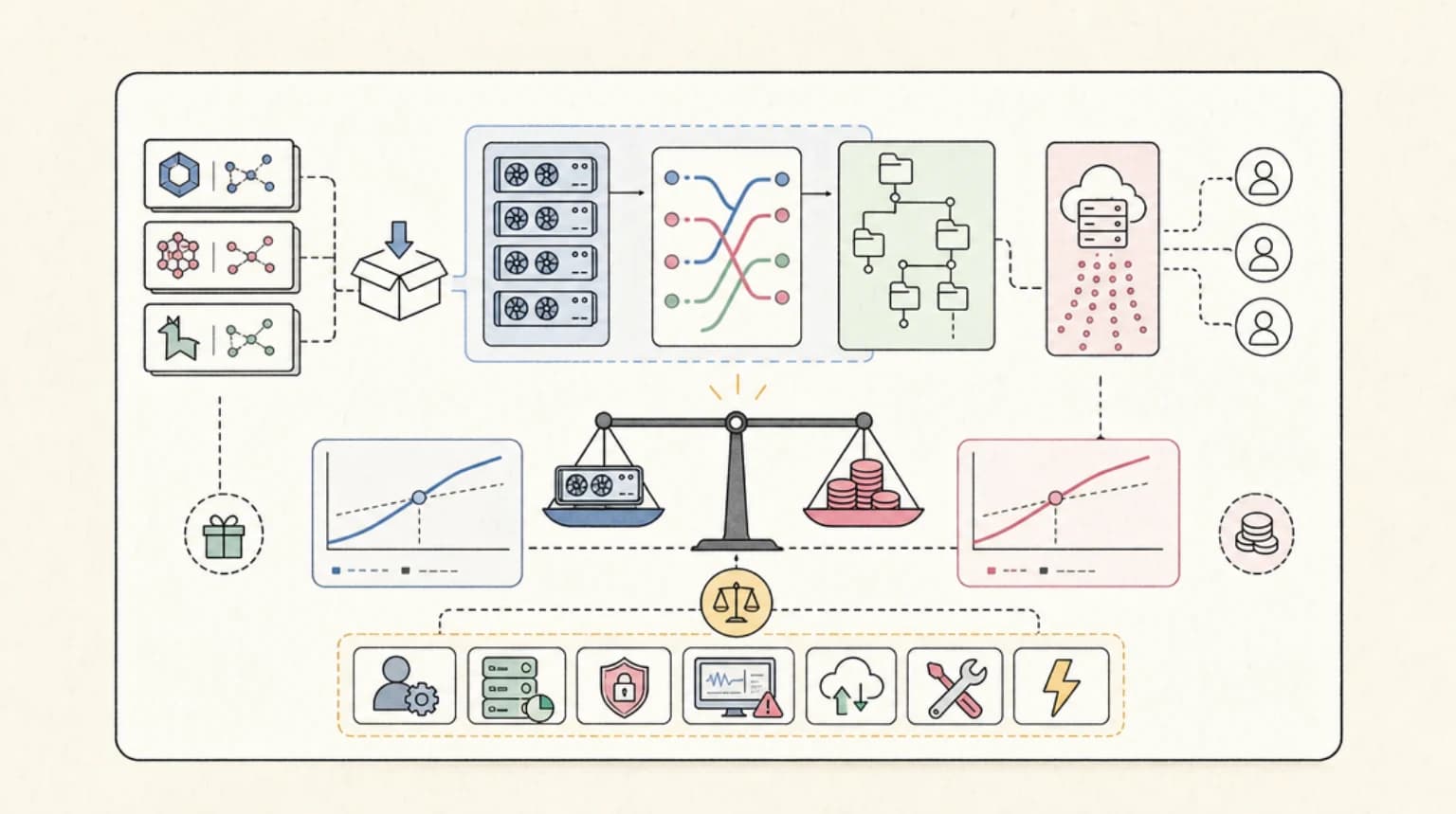
Self-Hosting Open-Weights Models: The Real Break-Even Math
Open weights are free to download, but inference is not free to run. Here is the honest break-even math on when self-hos...
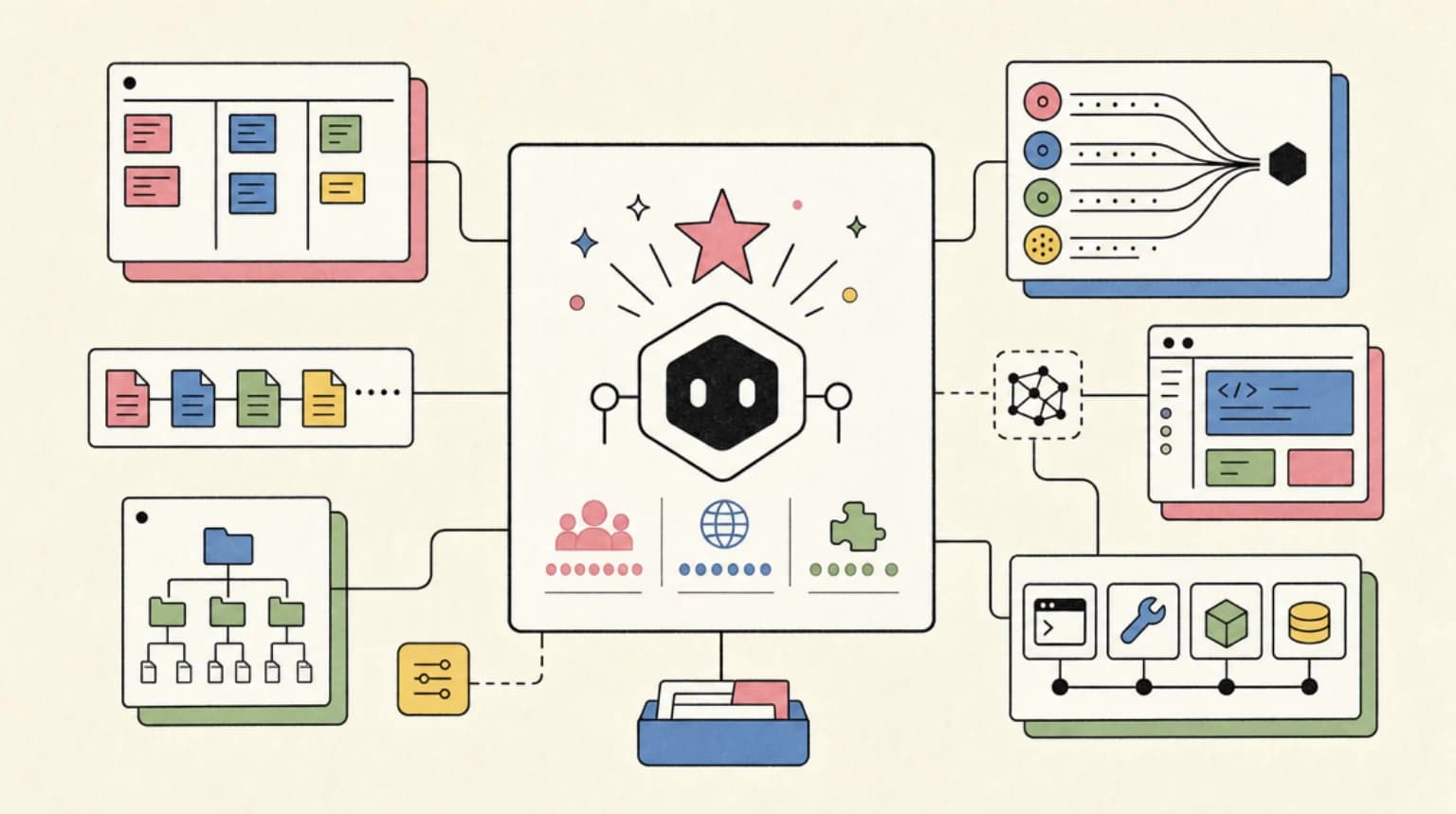
OpenCode Developer Guide: The Open Source AI Coding Agent with 160K Stars
OpenCode is the fastest-growing open-source AI coding agent - 160K GitHub stars, 7.5M monthly users, 75+ model providers...
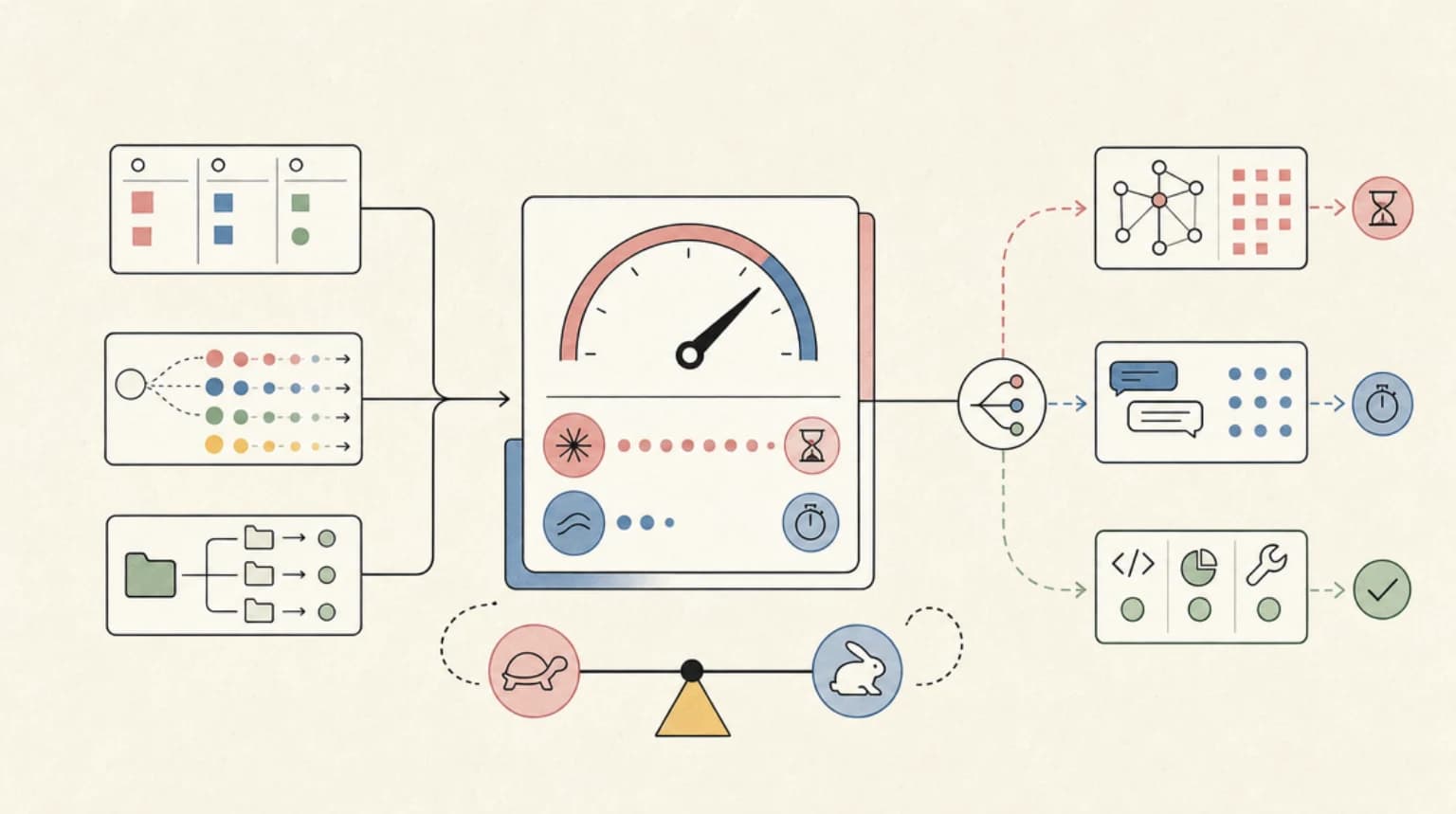
Is Claude Fable 5 Slow? Latency in Practice, and When It Matters
Claude Fable 5 latency measured: 109 seconds to first token at max effort vs 1.4s for Sonnet 4.6. When slow is fine, whe...
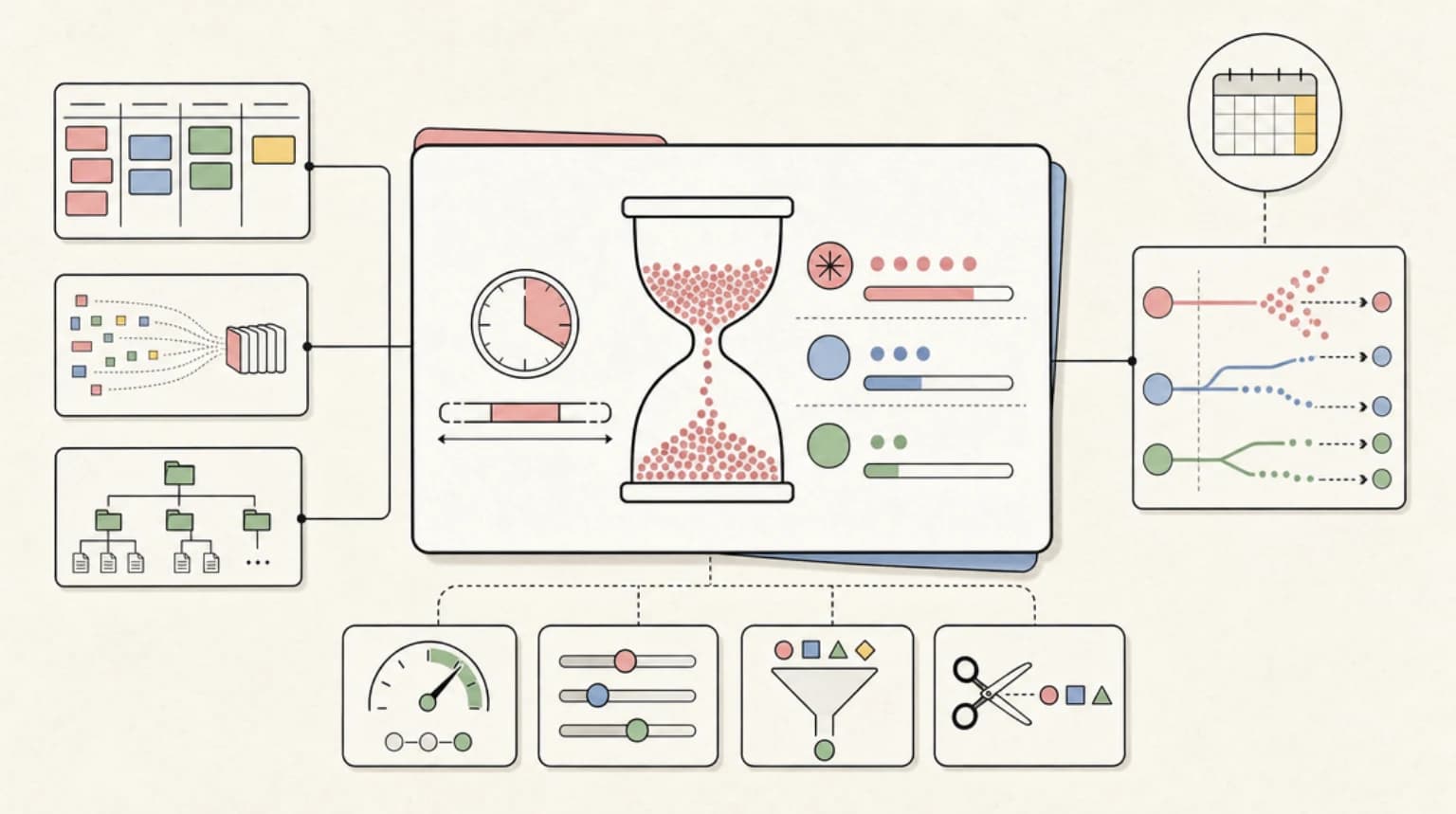
How Claude's Usage Limits Actually Work With Fable 5: Windows, Multipliers, and Burn Rates
Fable 5 drains the 5-hour rolling window dramatically faster than Opus or Sonnet. Here is what the plan multipliers actu...
