Raycast
Keyboard-first Mac launcher with built-in AI. 32+ models, 1,500+ extensions, clipboard history, window management, snippets. Replaced 4 apps in my workflow. Free tier available.
Raycast is a keyboard-first command launcher for macOS that functions as a command palette for your entire machine. It replaces Spotlight, clipboard managers, window managers, and snippet tools in a single app. The AI integration supports 32+ models from OpenAI, Anthropic, Google, Meta, Mistral, DeepSeek, and xAI, accessible via a quick keyboard shortcut. You can also plug in your own API keys to bypass the subscription. The extension ecosystem has 1,500+ open-source integrations with GitHub, Notion, Linear, Slack, Zoom, and more. The free tier includes core launcher features, 50 AI messages/month, clipboard history, and full extension access. Pro ($10/mo) adds unlimited AI, cloud sync, custom themes, and translation. Now available in beta on Windows too.
Similar Tools
Wispr Flow
AI voice dictation for macOS. Works in any app - code editors, browsers, notes. Understands context and formats output appropriately. Faster than typing for prose.
Linear
Issue tracking built for speed. Keyboard-first, sub-100ms UI. Cycles, roadmaps, GitHub integration. I use it to track all DevDigest engineering work.
Warp
AI-powered terminal built in Rust with GPU rendering. Block-based output, natural language commands, Agent Mode for autonomous tasks. 700K+ developers. Free tier available.
Amazon Q Developer CLI
AI-powered terminal assistant from AWS. Natural language chat, command autocompletion, code generation. Agentic mode reads files, runs commands, and calls AWS APIs. Free tier.
Get started with Raycast
Keyboard-first Mac launcher with built-in AI. 32+ models, 1,500+ extensions, clipboard history, window management, snippets. Replaced 4 apps in my workflow. Free tier available.
Try RaycastGet weekly tool reviews
Honest takes on AI dev tools, frameworks, and infrastructure - delivered to your inbox.
Subscribe FreeMore Productivity Tools
Obsidian
Local-first markdown knowledge base with wikilinks. My entire DevDigest pipeline lives here - research, scripts, content calendar, daily journal.
Linear
Issue tracking built for speed. Keyboard-first, sub-100ms UI. Cycles, roadmaps, GitHub integration. I use it to track all DevDigest engineering work.
Wispr Flow
AI voice dictation for macOS. Works in any app - code editors, browsers, notes. Understands context and formats output appropriately. Faster than typing for prose.
Related Guides
Claude Code Setup Guide
Configure Claude Code for maximum productivity -- CLAUDE.md, sub-agents, MCP servers, and autonomous workflows.
AI AgentsGetting Started with DevDigest CLI
Install the dd CLI and scaffold your first AI-powered app in under a minute.
Getting StartedMCP Servers Explained
What MCP servers are, how they work, and how to build your own in 5 minutes.
AI AgentsRelated Posts

Cowork: Claude Code for Everyone, Not Just Developers
Anthropic built Cowork in 1.5 weeks - a Claude Code wrapper that brings agentic AI to non-developers. Presentations, d...

Unlimited OCR: Baidu's Open-Source Solution for Long Document Parsing
Baidu releases Unlimited OCR, an open-source vision-language model that parses 100+ page documents in a single pass with...

Cloudflare Now Lets AI Agents Deploy Workers Without Signup
The new wrangler deploy --temporary flag creates ephemeral Cloudflare accounts for AI agents. 60-minute deployments, no...
LLM Architectures Got Complicated Fast
Modern LLMs now use MoE routing, mixed attention variants, and fused vision encoders. The simple transformer stack is go...
Noam Shazeer Joins OpenAI After Two Years Back at Google
The Transformer co-creator leaves Google DeepMind for OpenAI just two years after Google paid $2.7 billion to bring him...
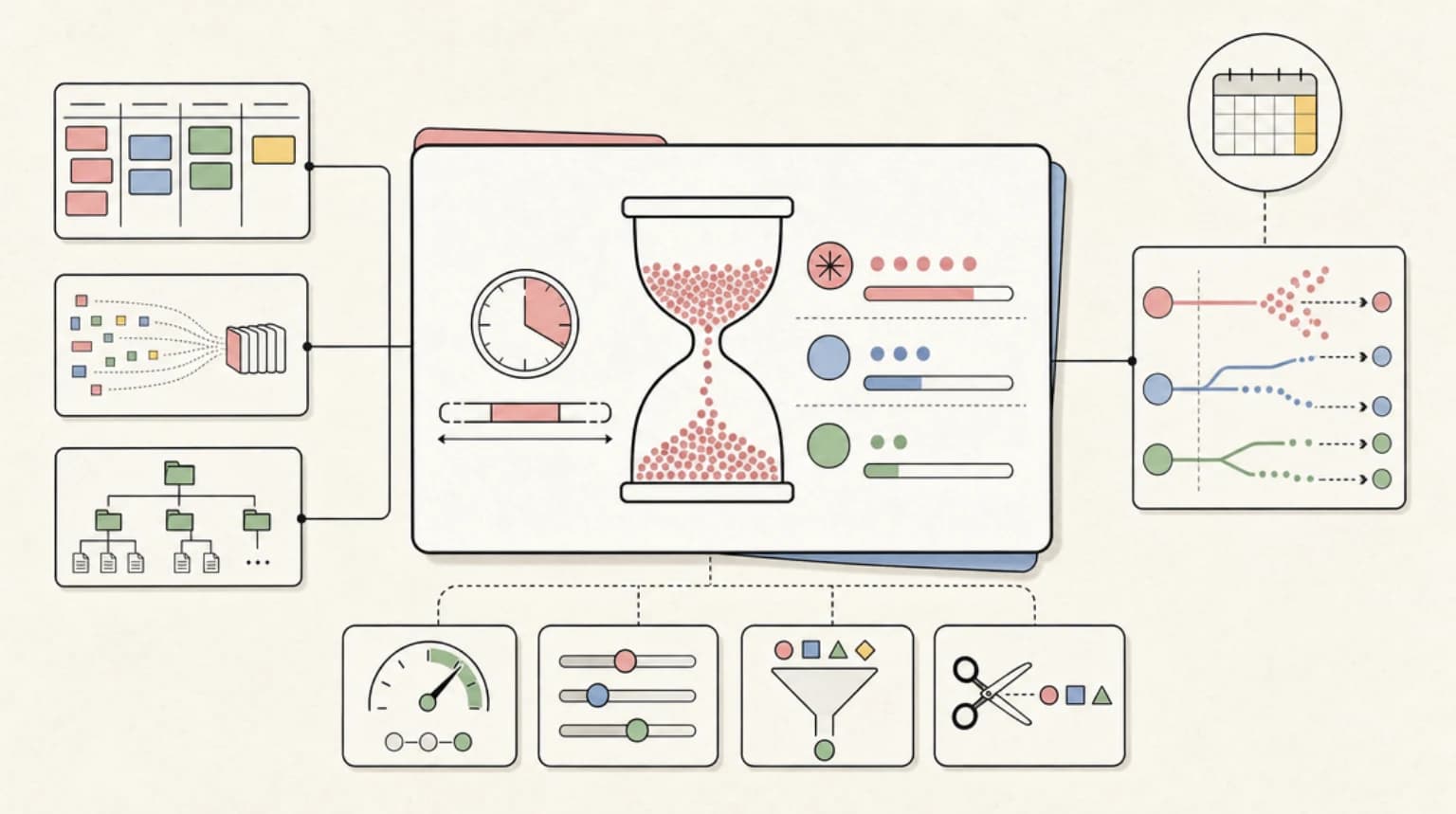
How Claude's Usage Limits Actually Work With Fable 5: Windows, Multipliers, and Burn Rates
Fable 5 drains the 5-hour rolling window dramatically faster than Opus or Sonnet. Here is what the plan multipliers actu...
