Codex-Maxxing: How to Run Long-Running Codex Workflows Without Losing the Plot
TL;DR
Codex-Maxxing done right is bounded autonomy: AGENTS.md, small worktrees, explicit stop conditions and review checkpoints for long-running Codex workflows.
Codex-Maxxing is a fun phrase for a serious workflow shift.
OpenAI is clearly pushing Codex beyond one-off code edits. The current Codex surface spans the app, CLI, IDE integration, cloud tasks, background work, subagents, AGENTS.md, and model choices tuned for longer software work.
The mistake is interpreting that as "let the agent run forever."
The better interpretation is bounded autonomy.
Last updated: June 23, 2026
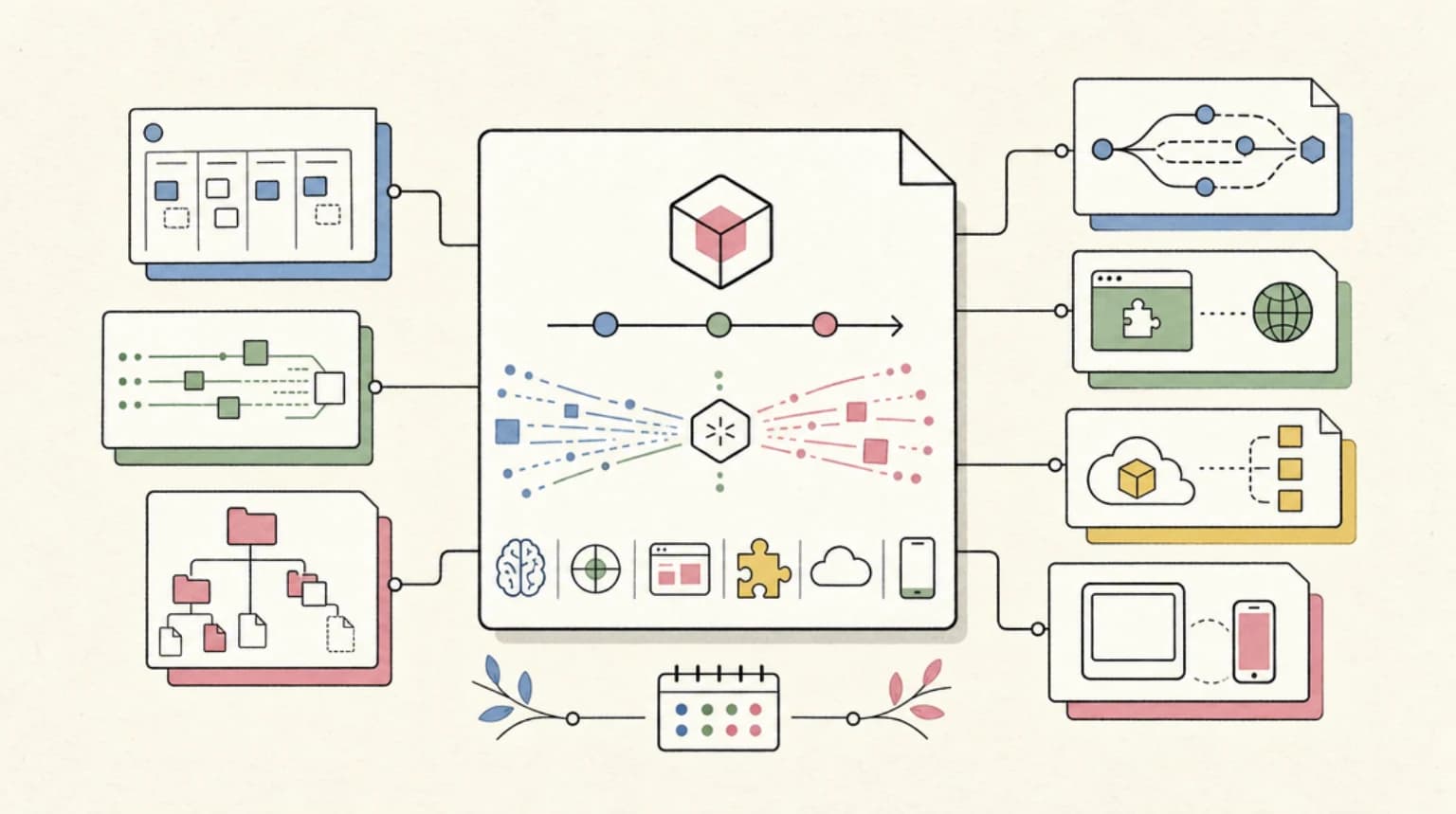
Codex is becoming useful for long-running work because it can keep state, operate in worktrees, follow repo instructions, run commands, and split tasks when asked. But the workflow only compounds if the human stays in mission control: define the job, constrain the workspace, demand receipts, review checkpoints, and stop bad runs early.
What Codex-Maxxing Should Mean#
The useful version of Codex-Maxxing is not bigger prompts or longer unattended sessions.
It is a system:
| Layer | Practical meaning |
|---|---|
| repo instructions | AGENTS.md tells Codex how the project works |
| scoped worktree | each effort has a clean branch or worktree |
| explicit goal | the task has a finish line and stop conditions |
| checkpoints | the agent reports evidence before pushing further |
| subagents | only used when the work is genuinely separable |
| budgets | token, time, disk, and process limits are visible |
| review trail | commits, tests, screenshots, logs, and diffs prove the work |
That connects directly to the OpenAI Codex guide: Codex is strongest when the task is concrete enough for the agent to inspect the repo, make changes, run checks, and explain the result.
Long-running work just raises the bar.
The Real Codex Surface Area#
OpenAI's current Codex docs describe several pieces that matter for long-running workflows:
- Codex CLI runs locally from the terminal, can read and modify code in the selected directory, and is open source.
- Codex cloud can run background tasks in its own environment.
AGENTS.mdis a first-party customization surface that Codex reads before work.- Subagents can be spawned in parallel when explicitly requested.
- The Codex app launch framed the product around supervising multiple agents, parallel work, and worktrees.
- OpenAI positions newer Codex models for tasks involving research, tool use, and complex execution.
That is a meaningful shift from "AI pair programmer" to "agent workspace."
It also explains why the June Codex changelog matters. Goals, browser use, permissions, plugins, model updates, and background work are not isolated features. They are pieces of a control plane for software tasks that take longer than one chat turn.
The Bounded Autonomy Playbook#
Here is the workflow I would actually trust.
1. Start with a small worktree#
Do not hand a long-running agent your entire main checkout and a vague instruction.
Give it a narrow worktree:
- one branch
- one repo
- one task family
- known files or modules
- clear no-touch areas
- a rollback path
This is the same reason parallel coding agents need merge discipline. The more agents you run, the more you need isolation and clean integration points.
2. Put the job in AGENTS.md#
AGENTS.md should not be a motivational poster. It should be the local operating manual:
- commands to run
- test expectations
- design rules
- content rules
- deploy paths
- forbidden categories
- review evidence required
- when to stop and ask
Codex reads these files as project instructions. That means your repo can carry the work style forward instead of forcing every session to rediscover it.
3. Define stop conditions#
A long-running workflow needs explicit stops:
- stop after N failed attempts at the same test
- stop if the diff crosses the assigned files
- stop if a dependency install changes lockfiles unexpectedly
- stop if a deploy health check does not flip after a defined window
- stop before destructive git commands
- stop before sending email, posting externally, or changing billing settings
Without stop conditions, "autonomy" becomes drift.
4. Use subagents only for separable work#
OpenAI's subagent docs make an important point: subagents can consume more tokens than comparable single-agent runs.
So the question is not "can I spawn more agents?" It is "is this work independent enough that parallelism reduces wall-clock time without creating merge debt?"
Good subagent work:
- research three independent sources
- inspect unrelated modules
- draft separate content candidates
- run verification while the main agent implements
- compare options and report evidence
Bad subagent work:
- five agents editing the same component
- vague "improve the codebase" prompts
- duplicated source research
- long-running agents with no output contract
- background tasks that nobody checks
This is where Codex automations and long-running agent harnesses meet. Automation is useful when the harness makes the output reviewable.
Budgets Are Part of the Workflow#
Long-running Codex work has more than one budget.
Token cost matters, especially now that OpenAI explains Codex usage through plan access and token-based credit accounting. But tokens are not the whole story.
You also need:
- time budget
- disk budget
- process budget
- dependency budget
- review budget
- CI budget
- human attention budget
We already covered this in Codex CLI resource budgets. A local agent can burn disk, write logs, spawn processes, or create review debt even when the model output looks useful.
Codex-Maxxing without resource budgets is just hidden spend.
A Practical Long-Running Codex Template#
For a real engineering task, I would frame it like this:
Goal:
Ship one scoped improvement to [module] without touching unrelated files.

Allowed files:
- app/example/*
- components/example/*
- tests/example/*

Required evidence:
- explain the current behavior
- make the smallest useful change
- run pnpm typecheck
- run the focused test
- show git diff --stat
- list any skipped checks

Stop conditions:
- stop after three failed attempts at the same test
- stop if lockfiles change unexpectedly
- stop before destructive git commands
- stop if another agent changed the same files

Subagents:
- only use subagents for read-only research or independent verification
That is not glamorous. It is the shape that keeps a long-running agent from losing the plot.
It also pairs well with Codex /goal vs Claude Managed Outcomes. Goals keep execution moving. Outcome criteria keep the final result honest.
The Practical Take#
Codex-Maxxing should mean using more of Codex's workflow surface, not surrendering judgment to a longer session.
Use the app, CLI, cloud tasks, AGENTS.md, subagents, and goals when they fit. But wrap them in:
- scoped worktrees
- clear instructions
- stop conditions
- resource budgets
- verification gates
- short commits
- production evidence
The winning long-running Codex workflow is not the one that runs the longest.
It is the one that leaves the cleanest trail.
FAQ#
What is Codex-Maxxing?#
Codex-Maxxing is an informal term for using more of Codex's agent workflow surface, such as app tasks, CLI work, cloud background runs, AGENTS.md, subagents, and long-running goals.
Are Codex subagents cheaper than one agent?#
Not necessarily. OpenAI's docs say subagents can consume more tokens than comparable single-agent runs, so they should be used when parallel work is genuinely separable.
What makes long-running Codex workflows safe?#
They need scoped worktrees, clear instructions, stop conditions, test gates, resource budgets, review checkpoints, and a final evidence trail.
Should Codex run unattended?#
Only for bounded work where the allowed files, commands, budget, and stop conditions are explicit. High-risk work still needs human review before merge or deploy.
Continue Reading#
- Codex CLI 0.162: Managed Worktrees and Pinned Tasks - managed worktree tools and task pinning for long Codex runs
- OpenAI Enterprise Signals: The Agentic Gap Is Now Measurable, and It Is Not About Models
- Codex - plans, usage limits, and alternatives on one page
- Claude Code vs Codex - the head-to-head on pricing, limits, and workflow
Sources#
Get the next deep dive like this in your inbox
One email a week on Codex and the rest of the AI dev stack. Free.
Read next on AI coding tools
OpenAI Codex: Terminal and Cloud AI Coding Agent
Codex works from the terminal, cloud tasks, IDEs, GitHub, Slack, and Linear. Here is how to use it and how it compares to Claude Code.
5 min readCodex in June 2026: What Changed Since the Spring Wave
Codex changelog for April to June 2026: GPT-5.5, Goal mode going stable, the Chrome extension, iOS access, Bedrock support and Sites, and what each means.
9 min readCodex Automations: Where Scheduled AI Agents Actually Help
Codex automations are useful when recurring engineering work has clear inputs, reviewable outputs, and safe boundaries. Here is the practical playbook.
9 min readNew here? Start with
Technical content at the intersection of AI and development. Building with AI agents, Claude Code, and modern dev tools - then showing you exactly how it works.